 Yonto Player
A player for your own library.
Yonto Player is a media player for Android TV, phones and tablets. Connect your own Jellyfin, Plex or Emby server, or play files from your NAS or a USB drive, and pick up where you left off on any screen.
Yonto Player provides no content. A small demo library of short clips we made ourselves lets you try it, and learn the player, first.
Made to be used, not managed
Your library, one player
Jellyfin, Plex and Emby, with Plex’s link-code sign-in, and on Android video files from a folder, a USB drive or a NAS over WebDAV or SMB. Each browses its own way, with its own categories and filters.
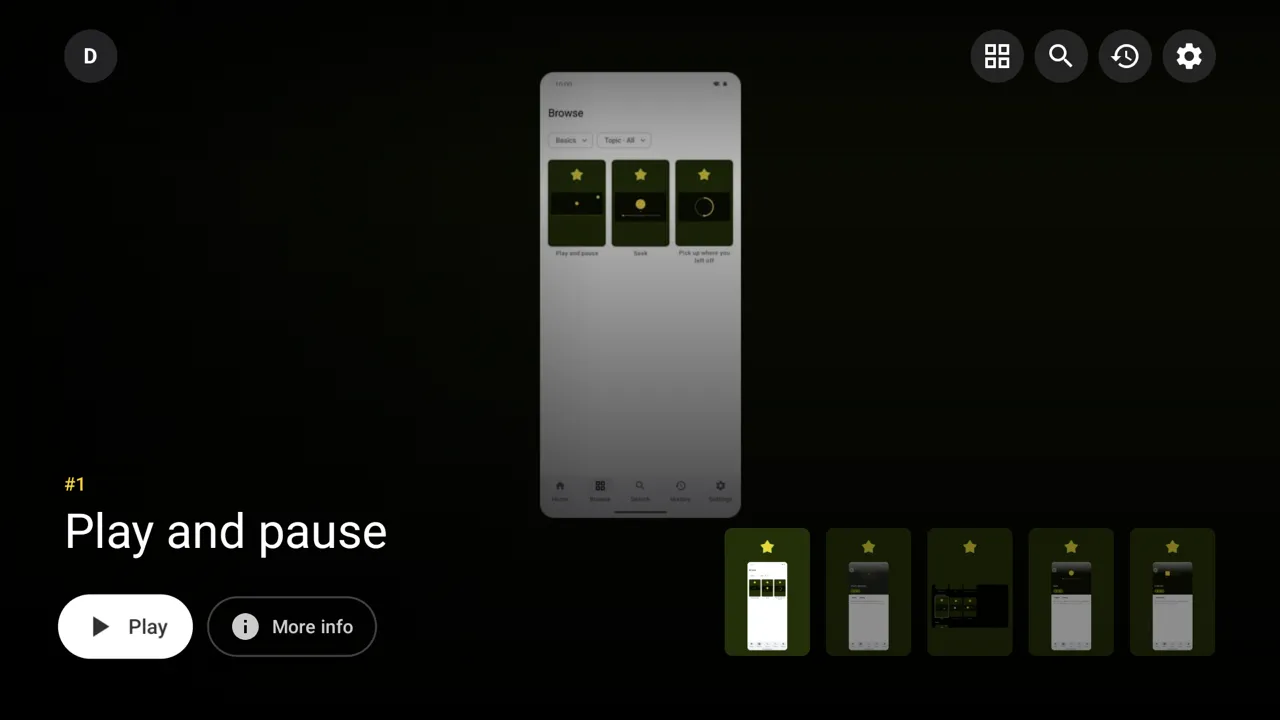
Built for the remote
Every screen is reached with the D-pad, and focus lands where you expect. Back returns to the exact card you left.
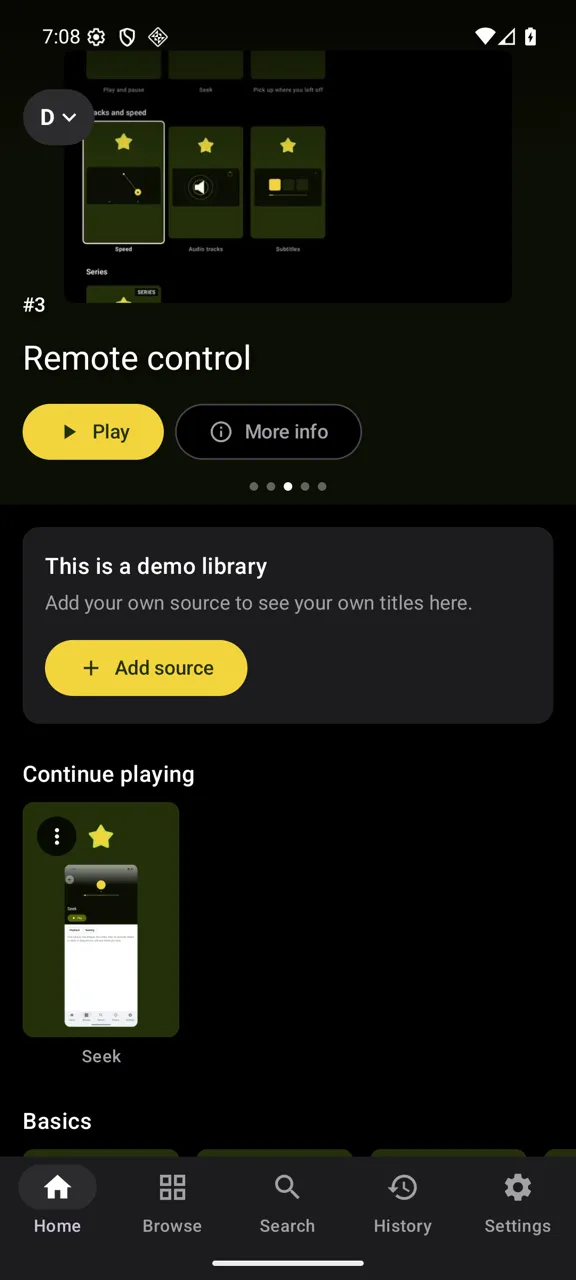
Touch, done properly
A tab bar on a phone and a rail on a tablet. The player turns with the phone, seeks with a double tap, and shrinks into picture-in-picture.
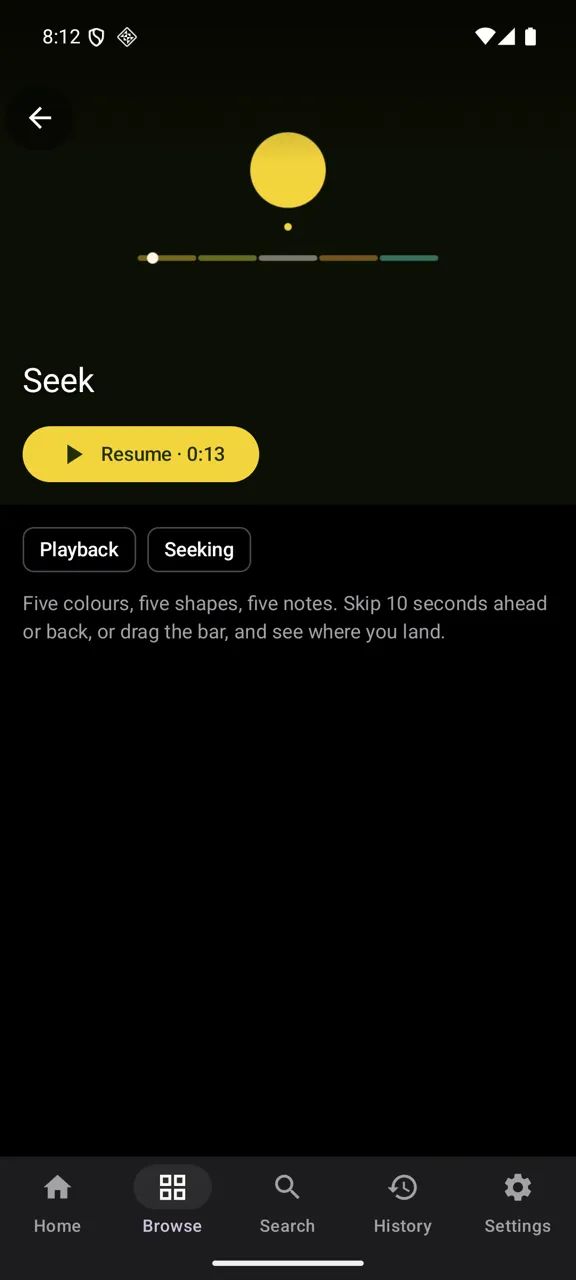
Resume anywhere in the show
Continue playing, a History page, and Up next with a countdown when an episode ends. On Android TV, your launcher’s Watch Next row follows along.
Protocols you can program
Every source is a small sandboxed plugin that reaches only the hosts it declares. Add one, or a repo, from an address you choose, or write your own with the developer guide.
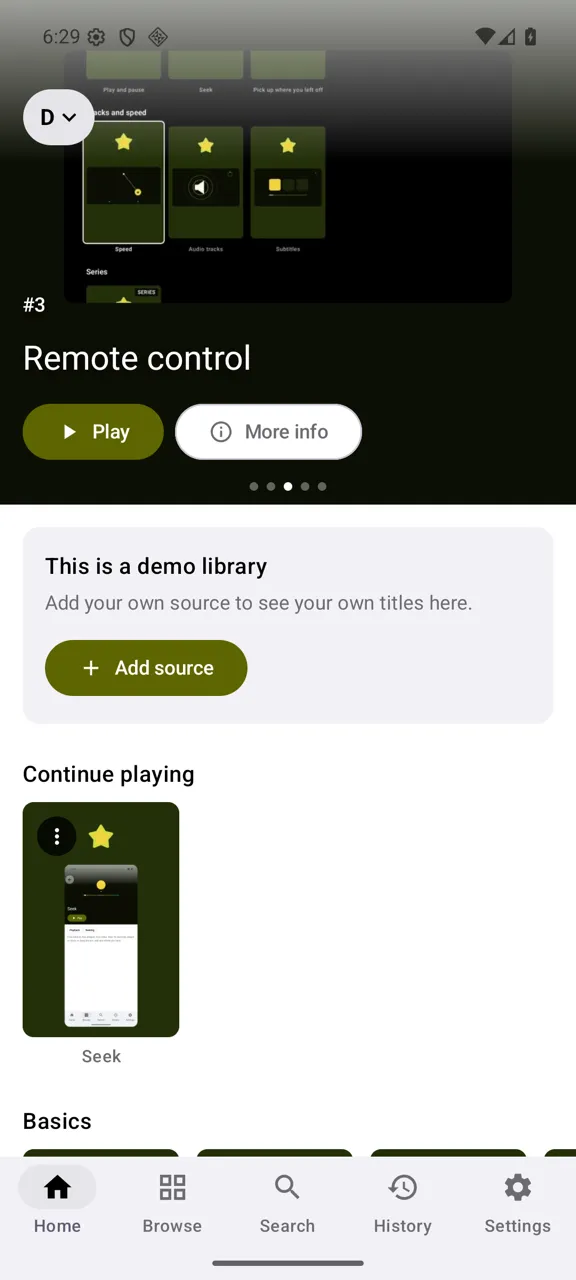
Private, and in your language
No account, no ads, no analytics: your history, sources and settings stay on your device. In ten languages, light or dark, following your system or your pick.
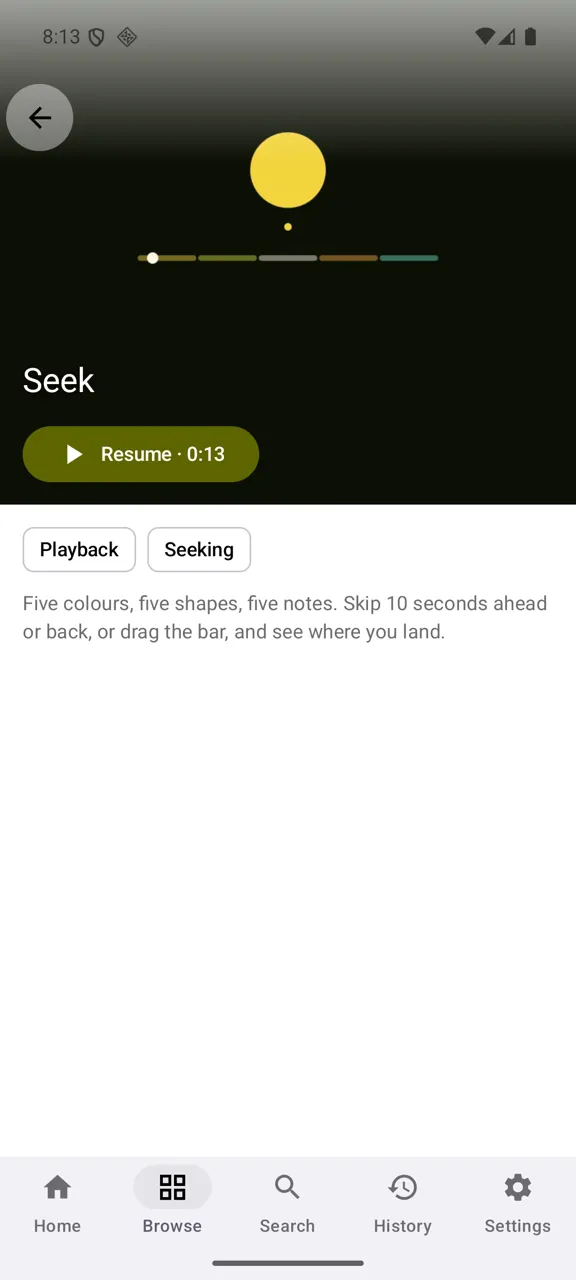
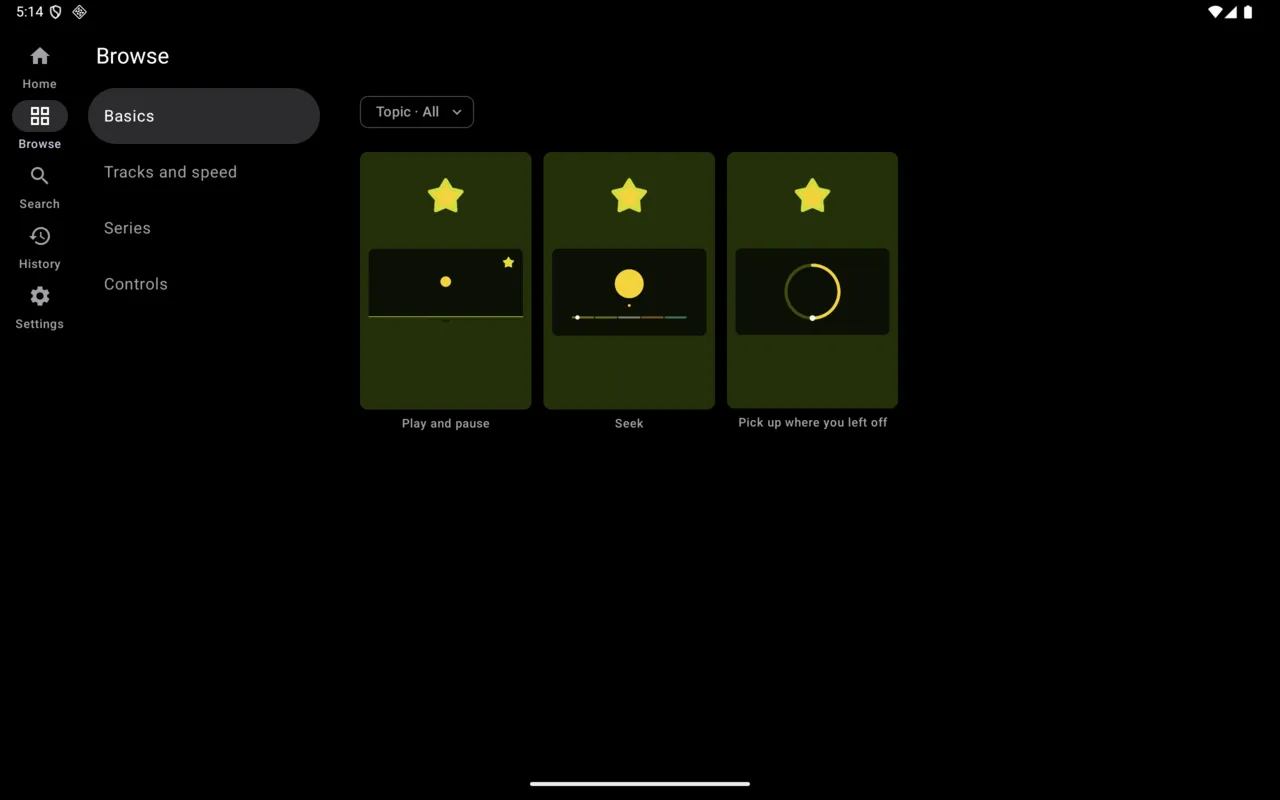
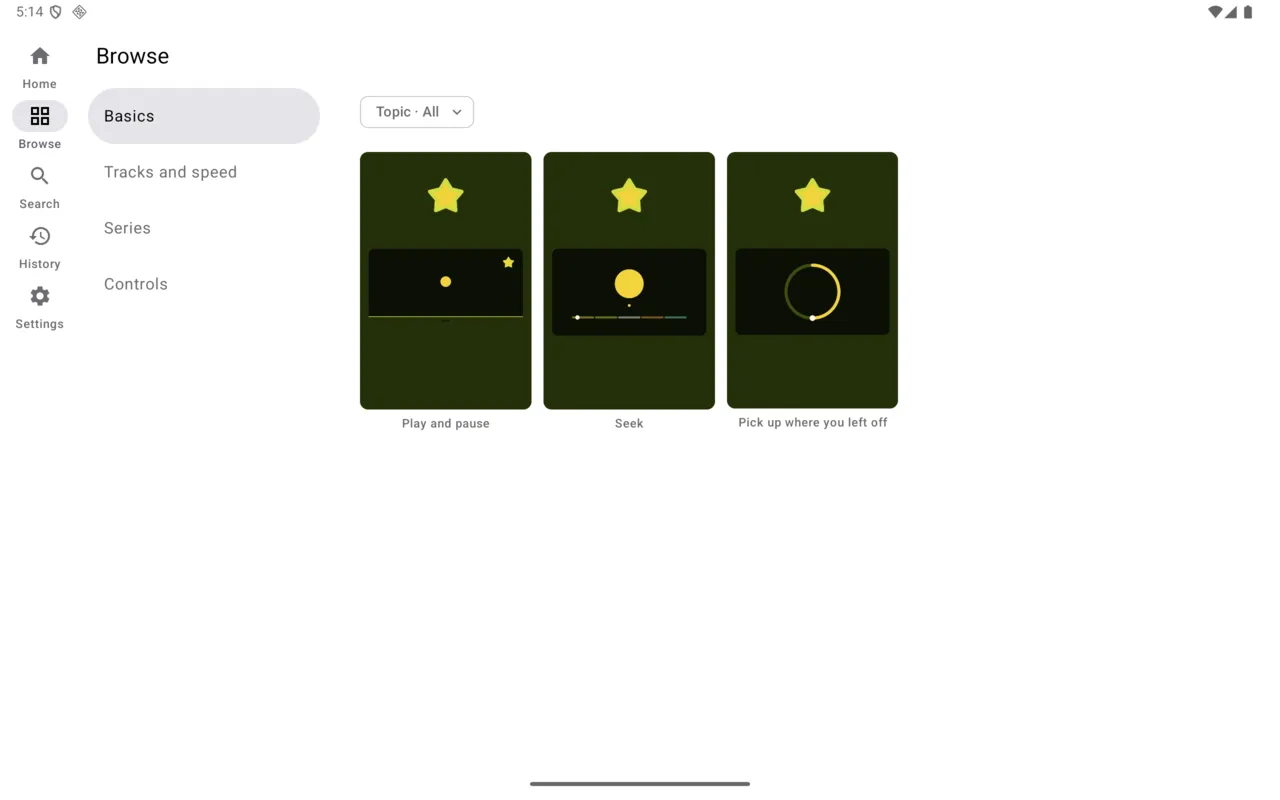
What you connect is your responsibility: only use libraries you are entitled to access. Jellyfin, Plex and Emby are trademarks of their owners; Yonto Player is not affiliated with or endorsed by them.
Type on your phone, not with the remote
A server address, a username and a password, one letter at a time with a remote, is where most TV apps lose you. Yonto Player lets you fill the form in on your phone instead.
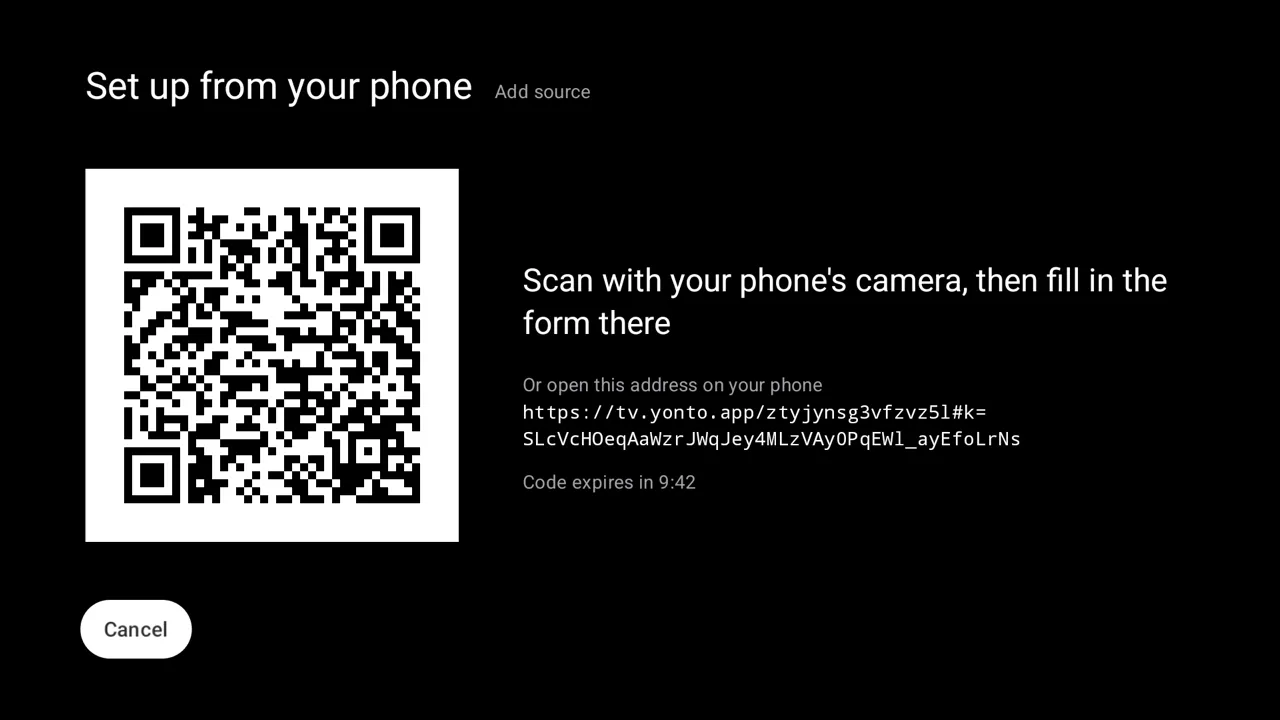
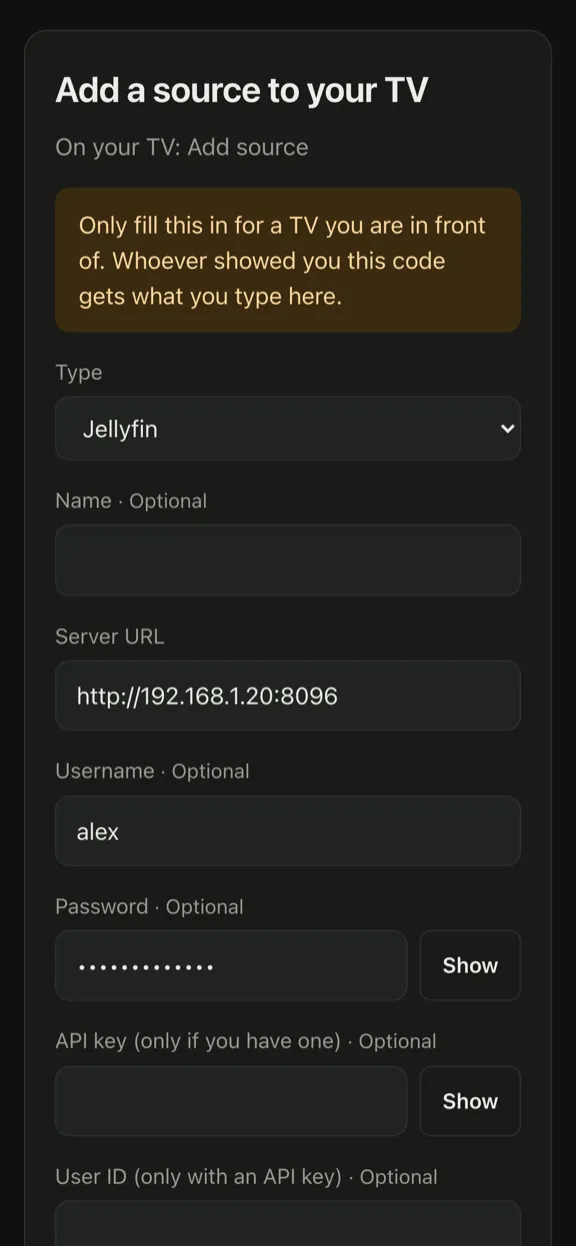
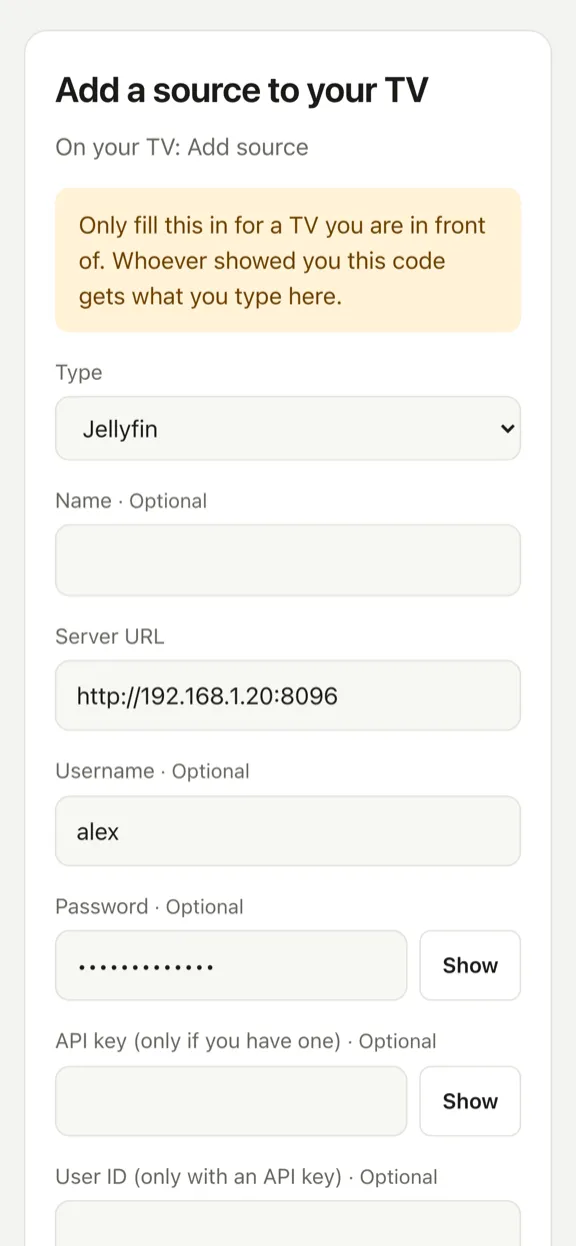
Scan the code
“Set up from your phone” is on Add source, Add a repo and Install from URL, and whenever you edit a source. Choose it, and the TV shows a QR code.
Fill it in on your phone
The same form opens in your phone’s browser, with the source types your TV has, and you type on a real keyboard. Then choose “Send to the TV”.
Check it, then save
The TV’s form fills in for you to look over. Nothing is saved until you confirm it with the remote.
Free, with nothing to install on the phone and no account. What you type is encrypted on your phone, and our server, which only passes it on, cannot read it.
Try Yonto Player
Download the app for your device.
Missing a protocol or a feature? Request a feature · Report a problem
No GitHub account? Write to support