
Add your Emby server on Android TV
Yonto Player plays your Emby films and series on Android TV in full as your first, free source, with the watched marks and resume points your server already has, and you add the server by typing on your phone, from a QR code on the TV. With Pro, your Jellyfin or Plex server and your NAS shares sit beside it in the same app, with one search across them.
Install Yonto Player on your Android TV, choose Add source, leave the type on Emby, and fill in your server on your phone.
On an Android phone or tablet, you type into the same form yourself: tap Settings, Sources, Add source, leave the type on Emby, then tap Test connection and Save. Your media server and NAS on an Android phone or tablet says what else works there, and Play your Emby server on an Android phone or tablet what shows from Emby on a phone.
What you need
Section titled “What you need”- An Emby server you can sign in to, and its address, like
https://emby.example.com:8096. - A username and password on that server, or an API key and user ID. Yonto Player signs in with the server’s own users, not with Emby Connect.
- Yonto Player on your television, from the download page, and a phone to type on.
- Open Yonto Player and choose Settings, Sources, Add source. A new source opens on Emby; if the form shows another type, choose Source type, then Emby.
- Choose Set up from your phone. The television shows a QR code.
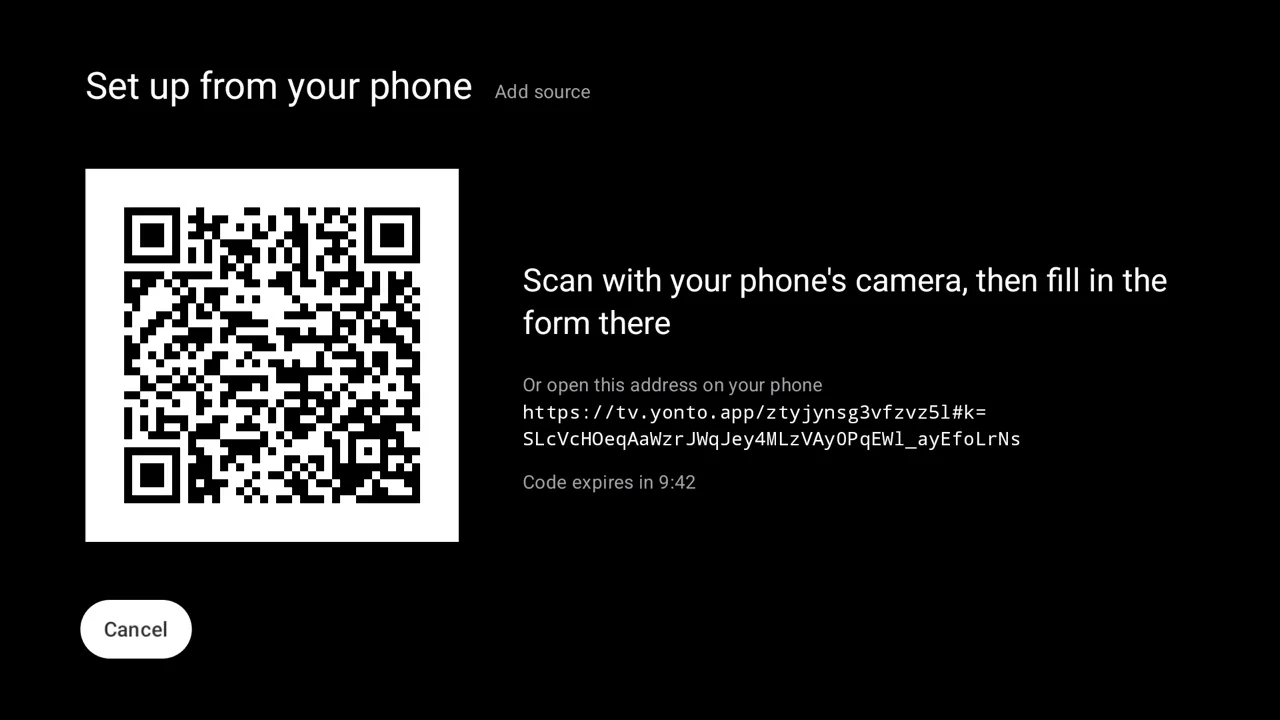
- Scan the code with your phone’s camera. A page opens with the same form, its Type on Emby: enter the Server URL, your Username and Password, then choose Send to the TV.
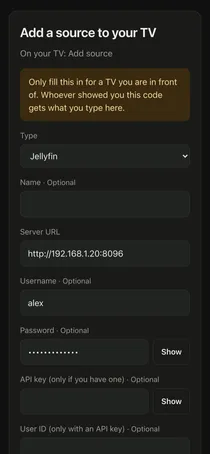
- The television’s form fills in and says “Filled in from your phone. Check it, then save.”. Choose Test connection. A working server answers “Connected successfully”. Choose Save.
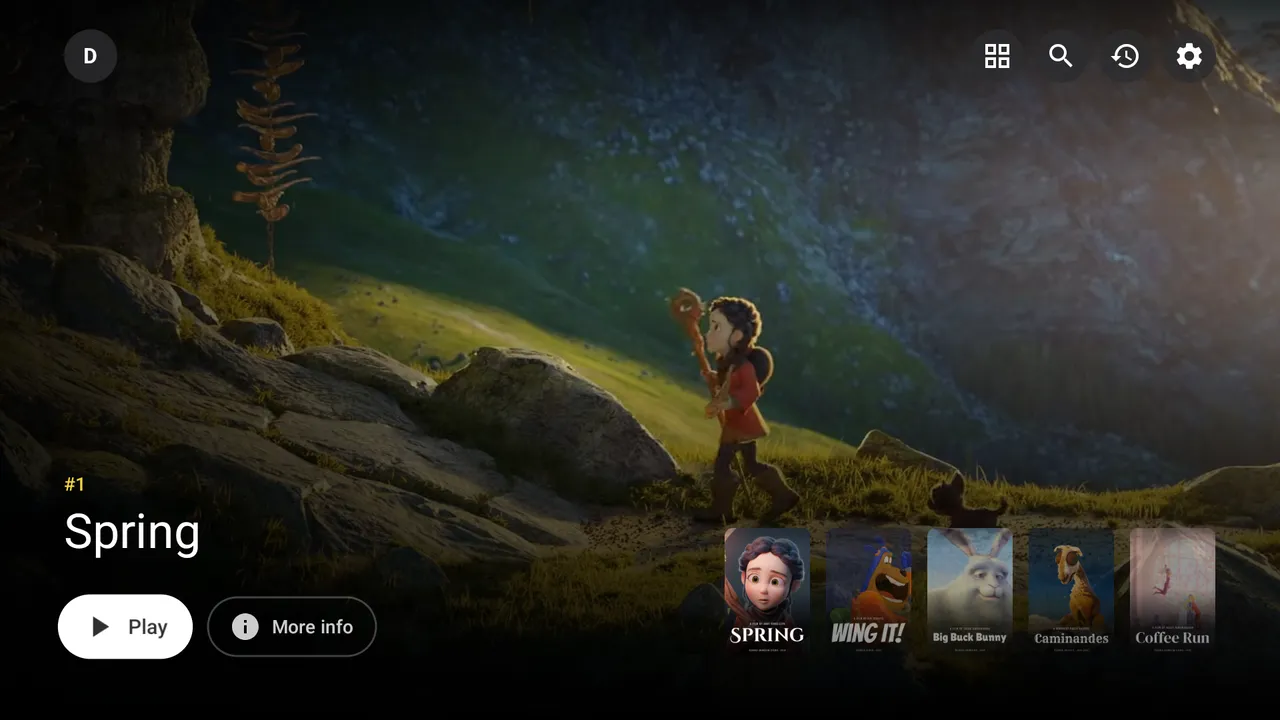
- Browse your Emby library from Home. Pressing OK on a title opens its page, and Back returns you to the card you left.
Nothing is saved until you choose Save with the remote, and what you type on the phone is encrypted on its way to the television (Sources). Prefer the remote? Leave out step 2 and type in the form: pressing OK on a field opens an on-screen keyboard.
An address that ends in /emby works as it is: Yonto Player does not add that part twice.
To use an API key instead of a password, make one on the server under Dashboard, Advanced, Security, and fill in API key and User ID in place of the username and password.
Yonto Player tells your server what the television can play, and the server converts a file it cannot, such as 4K on a 1080p box; Let the server convert videos in the source’s editor turns that off. Emby tone-maps HDR for a screen without it only when the server has Emby Premiere; without it, an HDR file plays as stored unless it needs converting anyway, and then its colours are left as they are. It keeps your history on the device, reads Emby’s watched marks and resume points, and tells the server what you watch unless you turn that off in the source’s editor. Your first source is free; more sources need Pro.
If something goes wrong
Section titled “If something goes wrong”“Server URL needs a full address, like https://example.com:8096”
The Server URL isn’t an address, such as one with a space in it.
Type it like 192.168.1.20 or https://emby.example.com:8096.
“Can’t reach Source”
The server didn’t answer.
An address with no port and no https:// is tried as you typed it, then on Emby’s own port, 8096, so 192.168.1.20 finds a server on 192.168.1.20:8096.
If yours listens on another port, add it after a colon.
Otherwise check that the server is on and that this device is on its network.
“Check the username and password by editing the source in Settings.” The server turned down the login. Go to Settings, Sources, choose the source, then Edit, and correct them. A server can be set to lock an account after wrong tries, so check the password before you retry.
“This source has an API key but no user ID: fill that in, or use a username and password instead.” An API key on its own does not say whose library to show. Fill in the User ID as well, or clear the key and use a username and password.
Troubleshooting lists every message the app shows.
Yonto Player provides no content. Emby is a trademark of its owner, and Yonto Player is not affiliated with or endorsed by it.