
Video guides
Short videos, each under a minute and a half, of Yonto Player doing one thing, with English narration and captions on screen. They play from Yonto Player’s YouTube channel, and nothing is loaded from YouTube until you press play. Each one goes with a written guide, linked below it, which has the steps in full.
Getting started
Section titled “Getting started”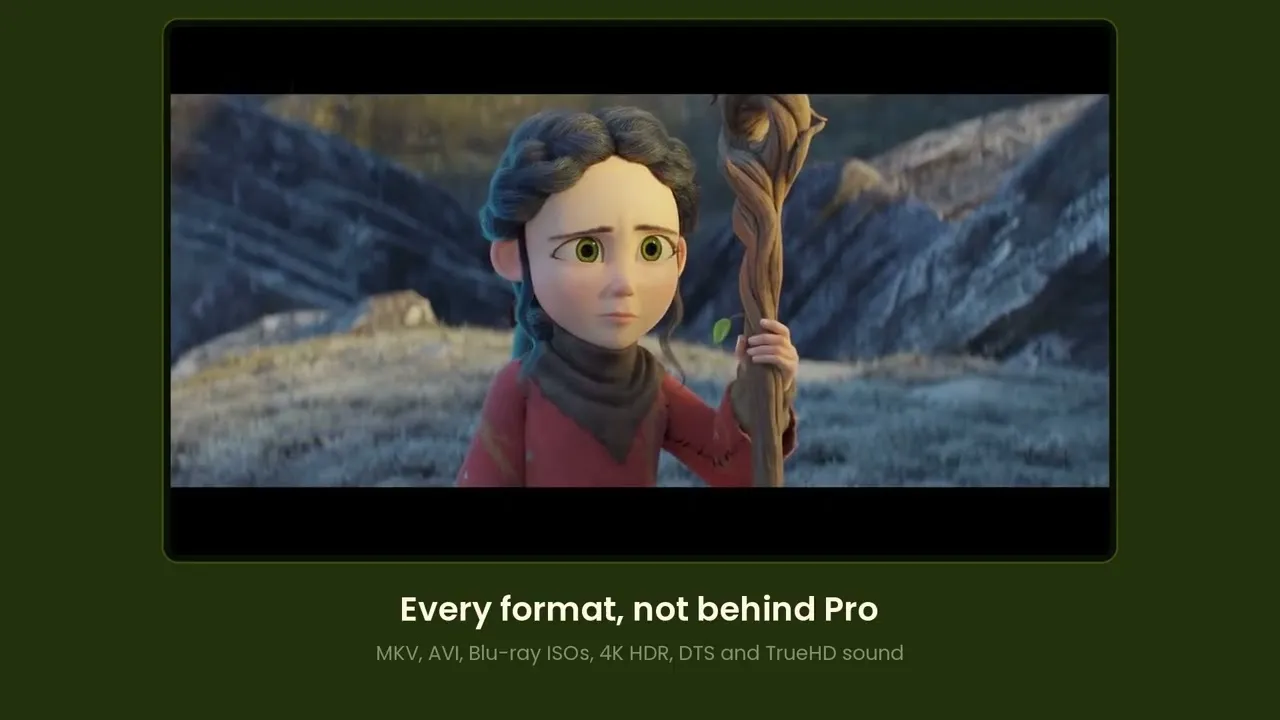
What Yonto Player is, in a minute: Jellyfin, Plex, Emby and a NAS in one player on Android TV. Getting started has the rest.
Watch on YouTubeSet up a source
Section titled “Set up a source”Each of these adds a source on Android TV, with the address and password typed on a phone from a QR code.
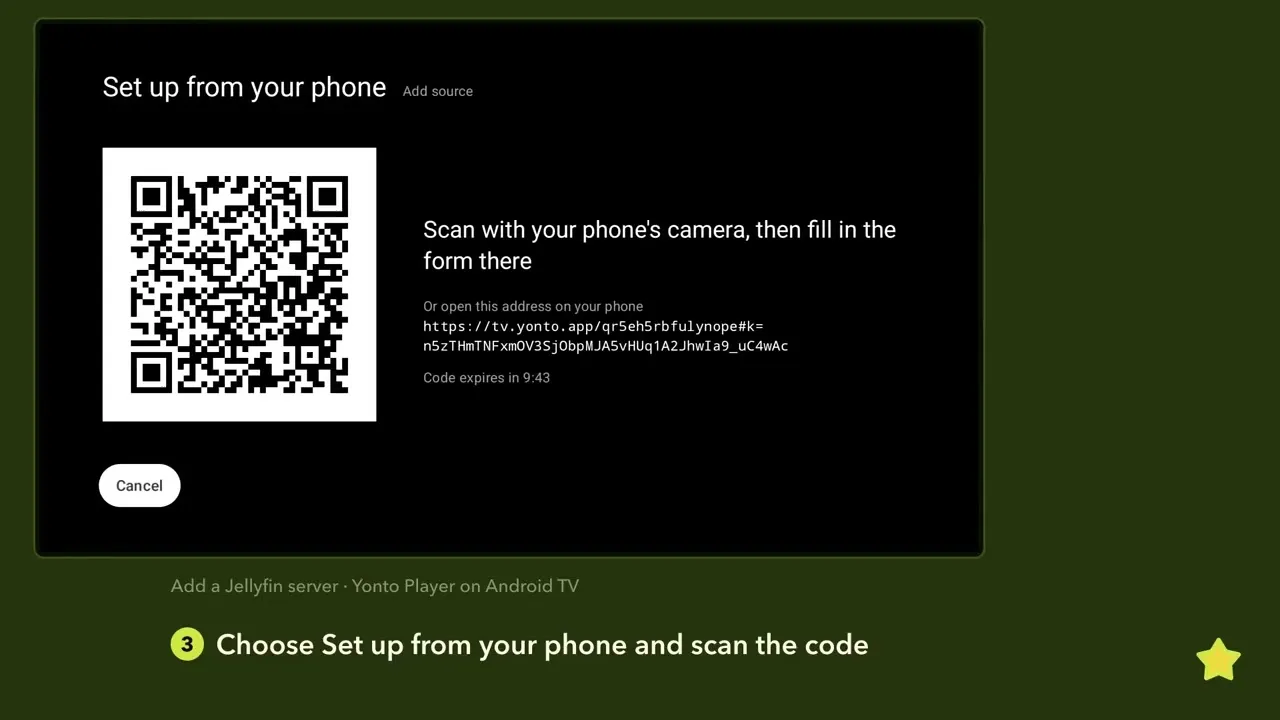
A Jellyfin server, step by step in Play your Jellyfin library on Android TV.
Watch on YouTube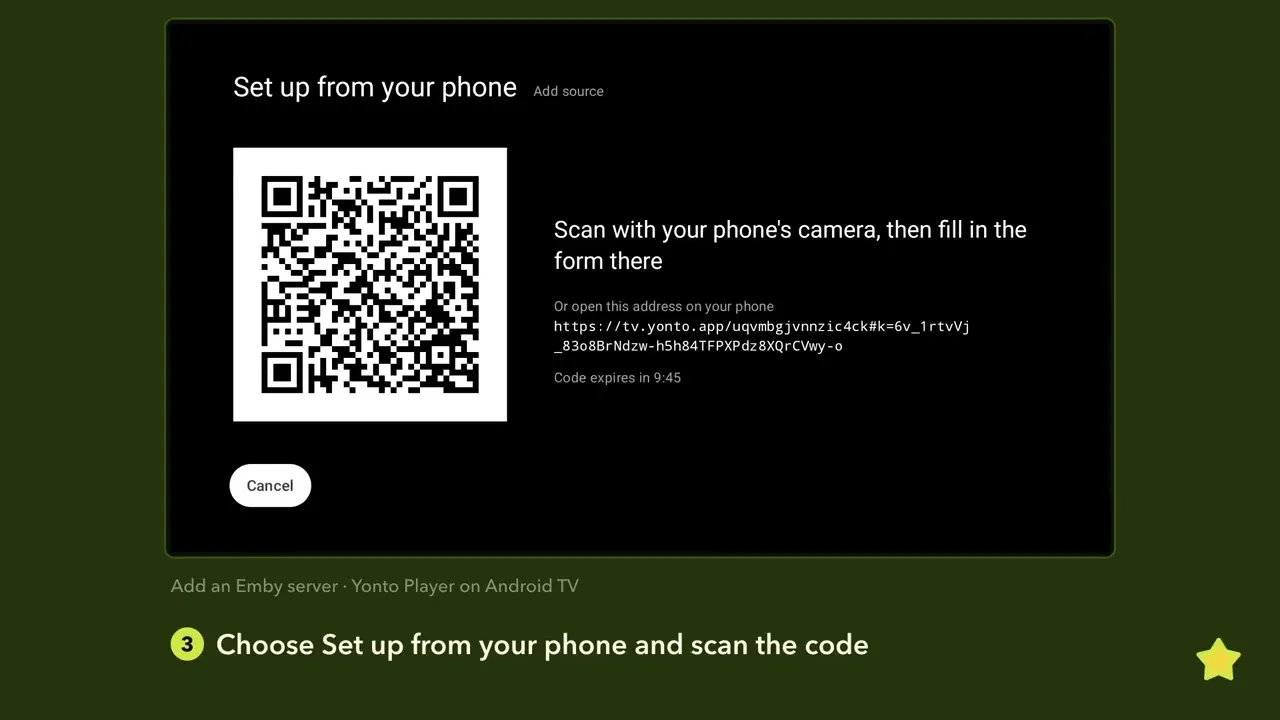
An Emby server, step by step in Add your Emby server on Android TV.
Watch on YouTube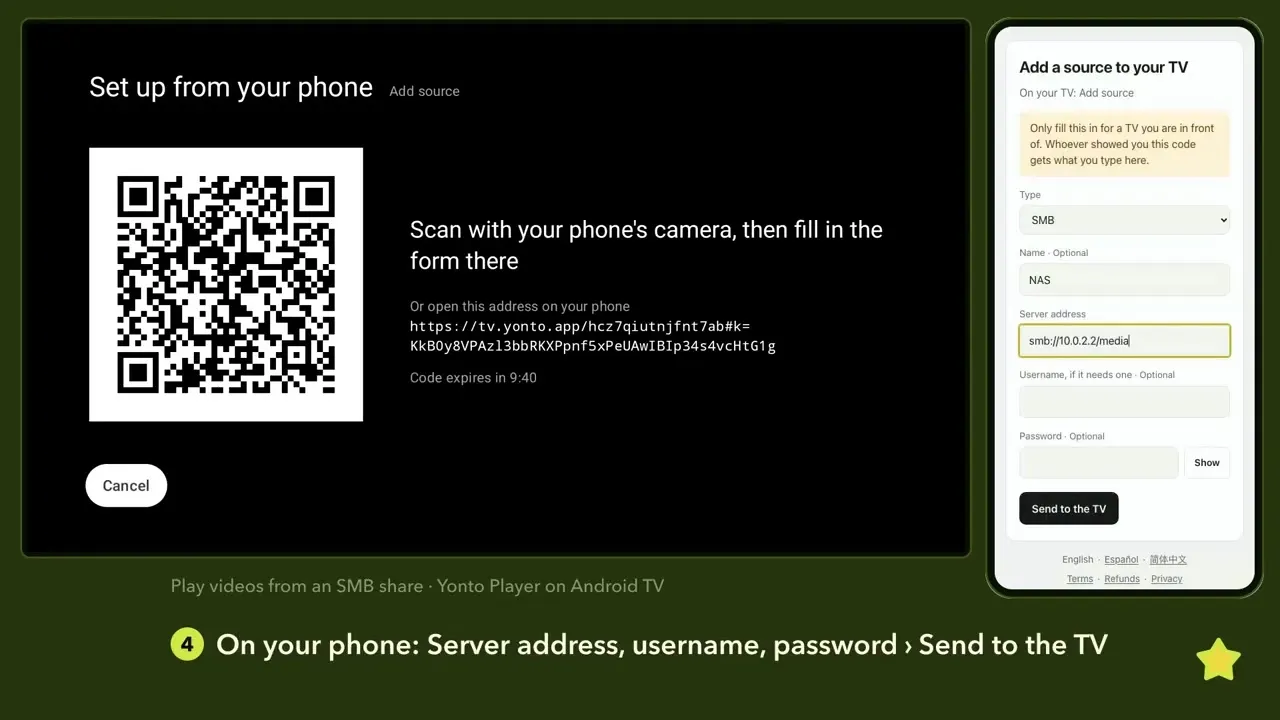
A NAS over SMB, with no media server, step by step in Play video files from a NAS or USB drive on Android TV.
Watch on YouTube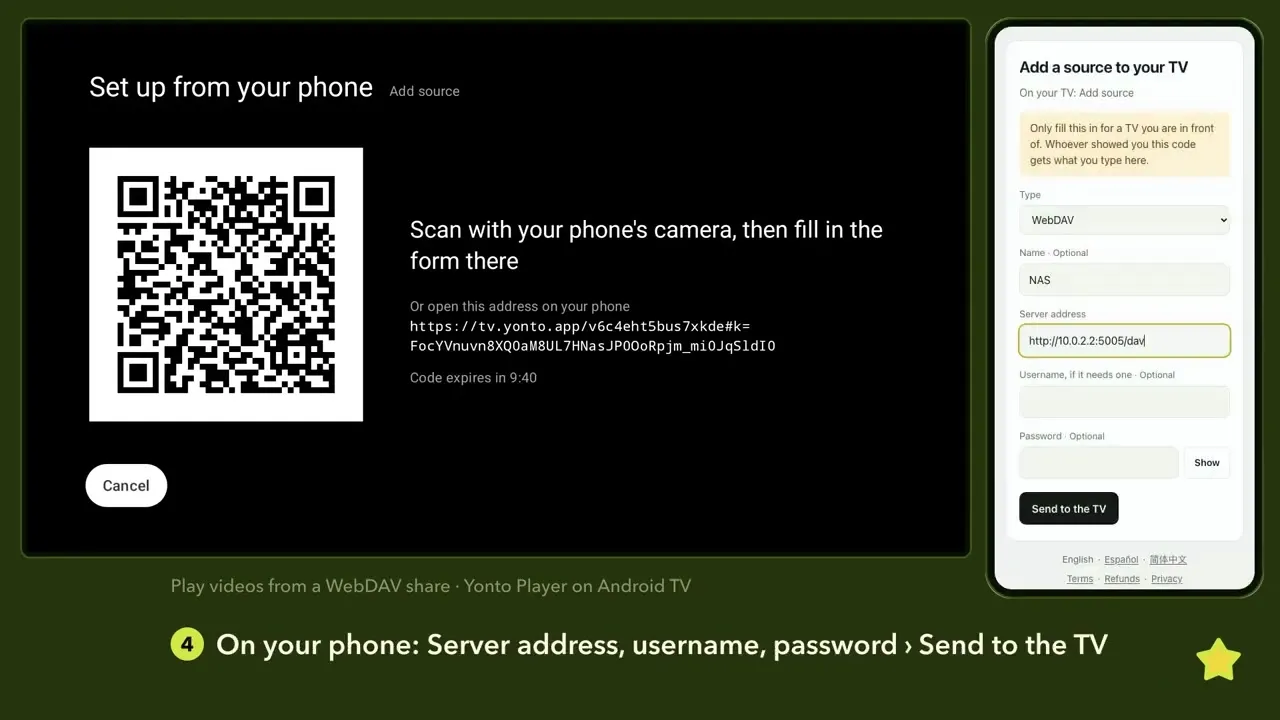
A WebDAV share, from a NAS, Alist or OpenList, step by step in Play an OpenList or Alist library on Android TV over WebDAV.
Watch on YouTubeBuild your own library
Section titled “Build your own library”A series on turning a folder of video files into a library of films and series with their posters, no media server needed. New episodes appear here as they come out; the Build your own library playlist has every one.
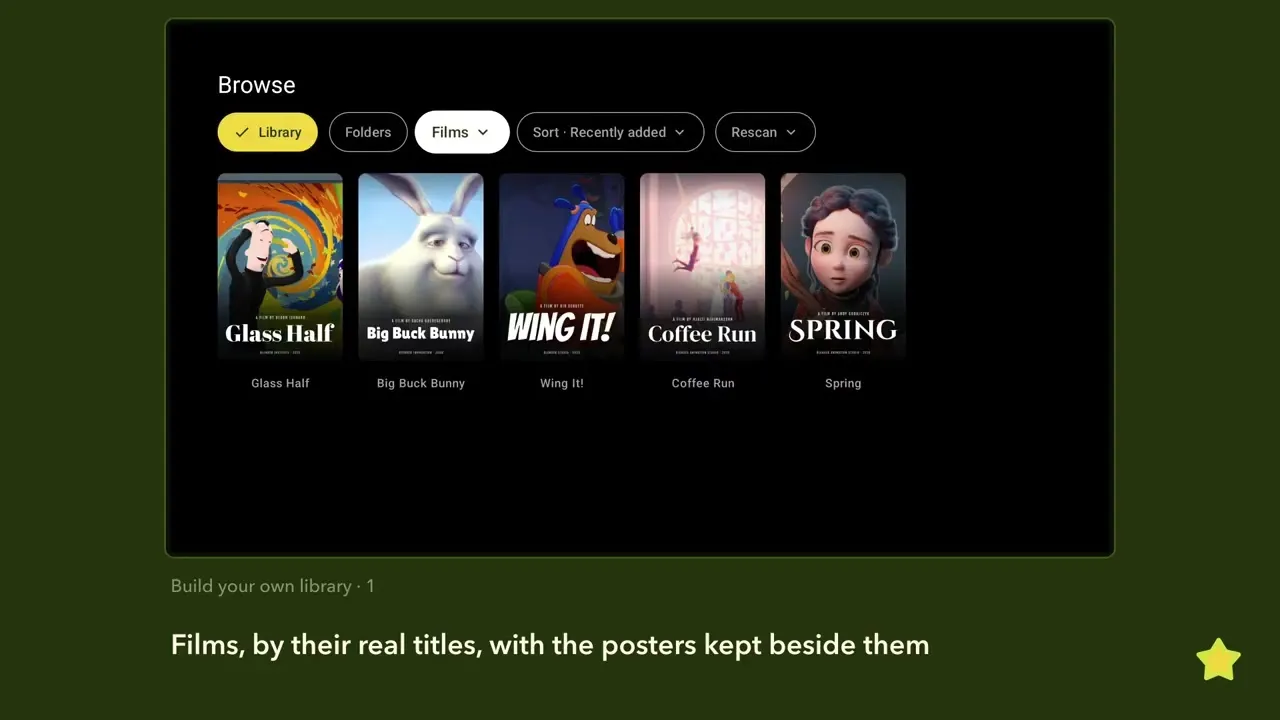
How to name films, series, seasons and episodes so they land in Films and Series by their real titles (the guide).
Watch on YouTube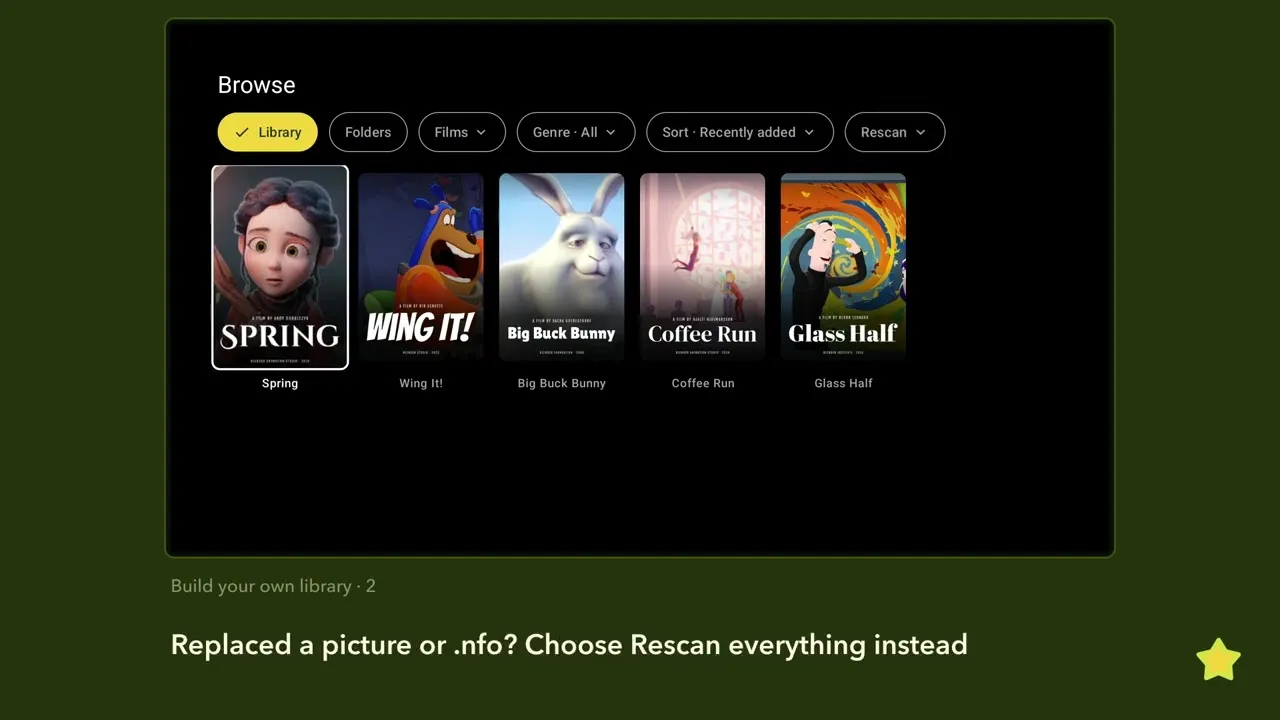
Posters, backdrops and .nfo files kept beside your videos, which come before anything looked up online (the guide).
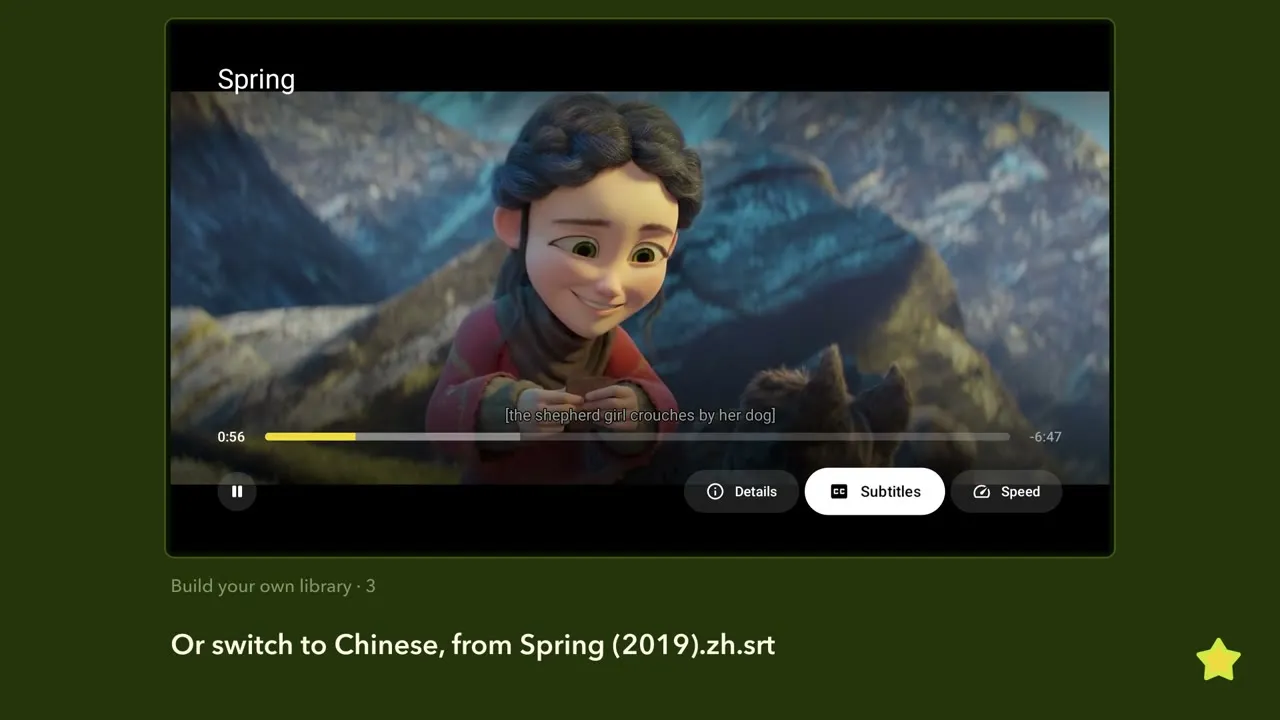
A subtitle file named after the video, offered in the player with no rescan (the guide).
Watch on YouTube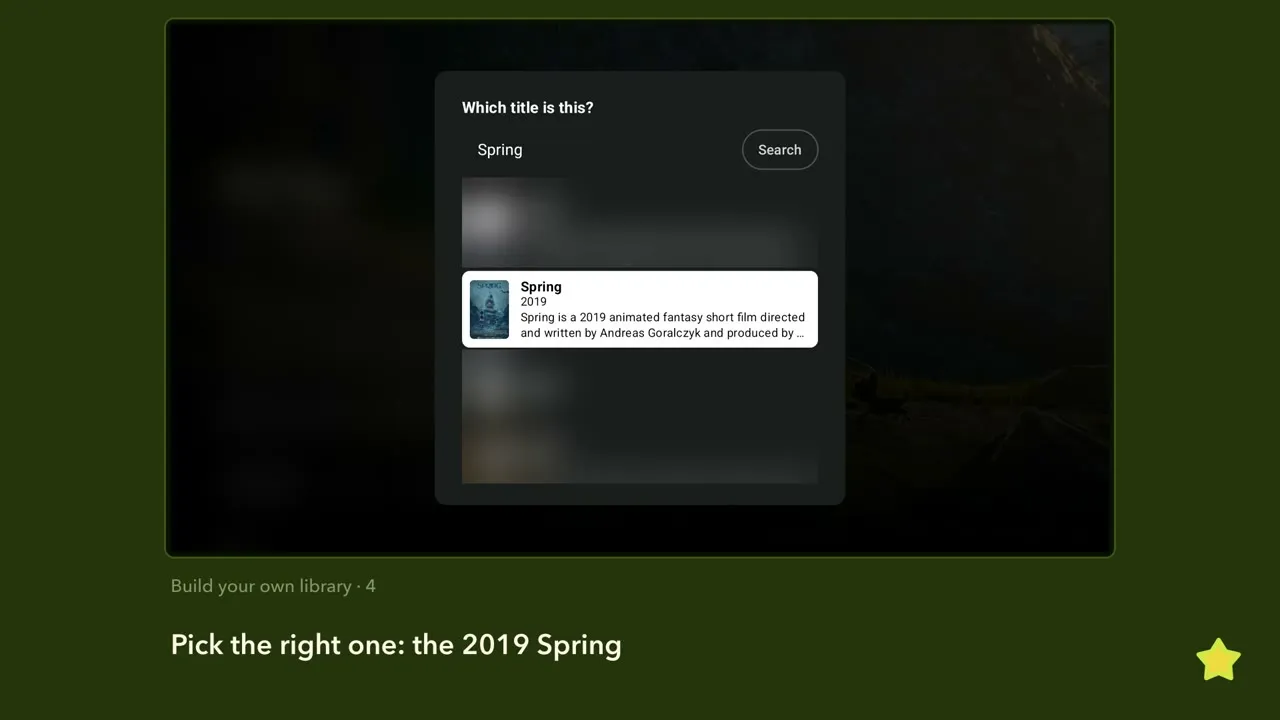
Wrong title? for a film matched to another one, and an id in the folder name that gets it right the first time (the guide).
Watch on YouTube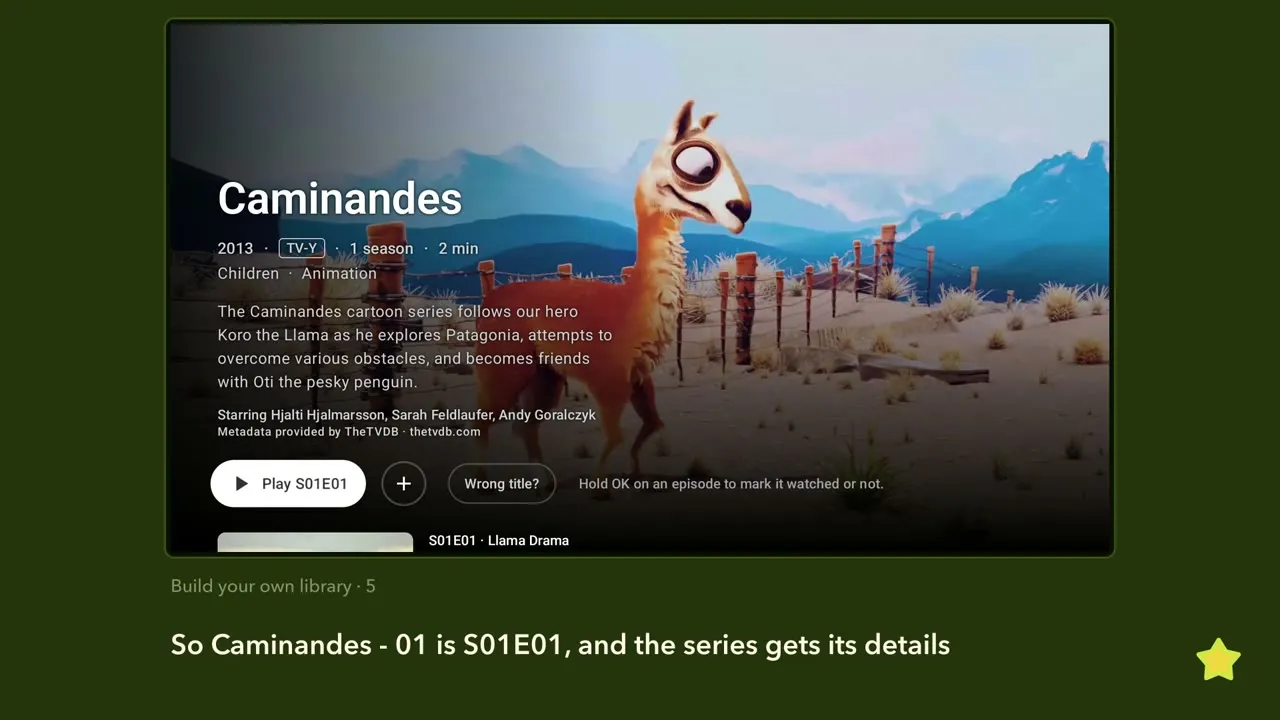
A show numbered in one long run, put into its seasons, with the episodes you don’t have listed (the guide).
Watch on YouTube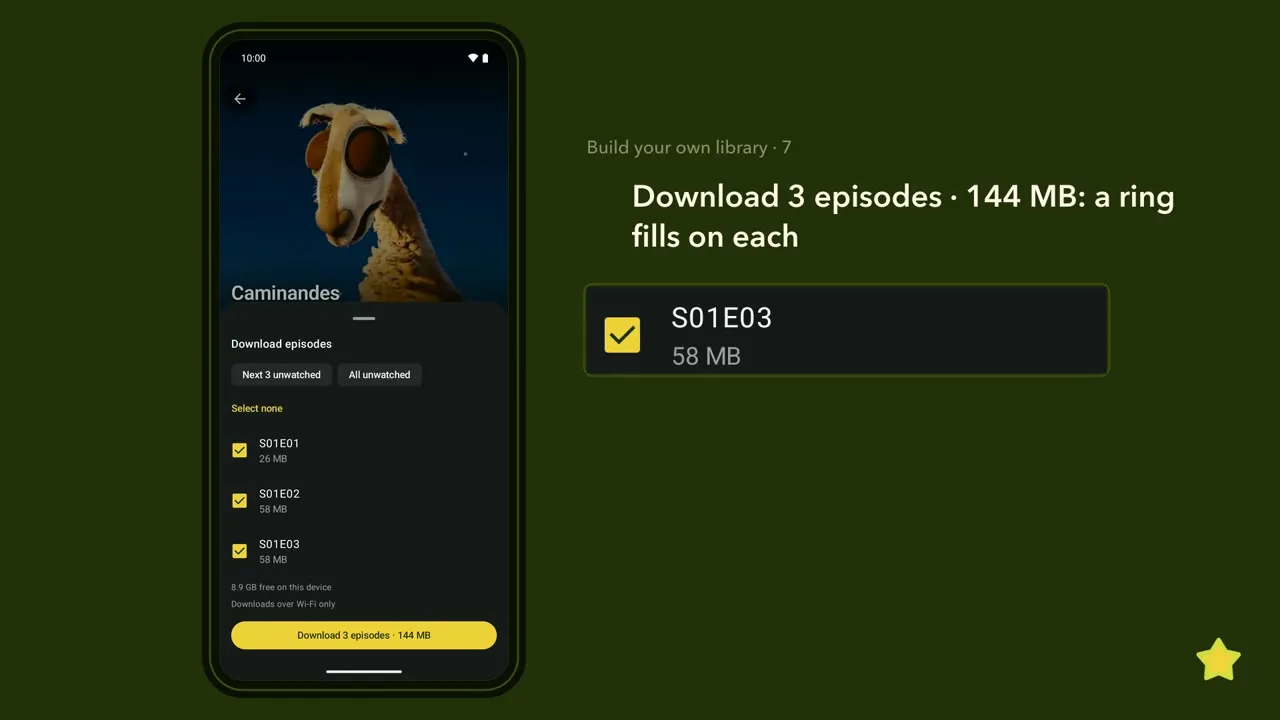
Episodes from your own share downloaded to an Android phone, then played with no connection (the guide).
Watch on YouTubeEvery video is on Yonto Player’s YouTube channel. Playing one is subject to Google’s privacy policy; the privacy policy says what that means here.